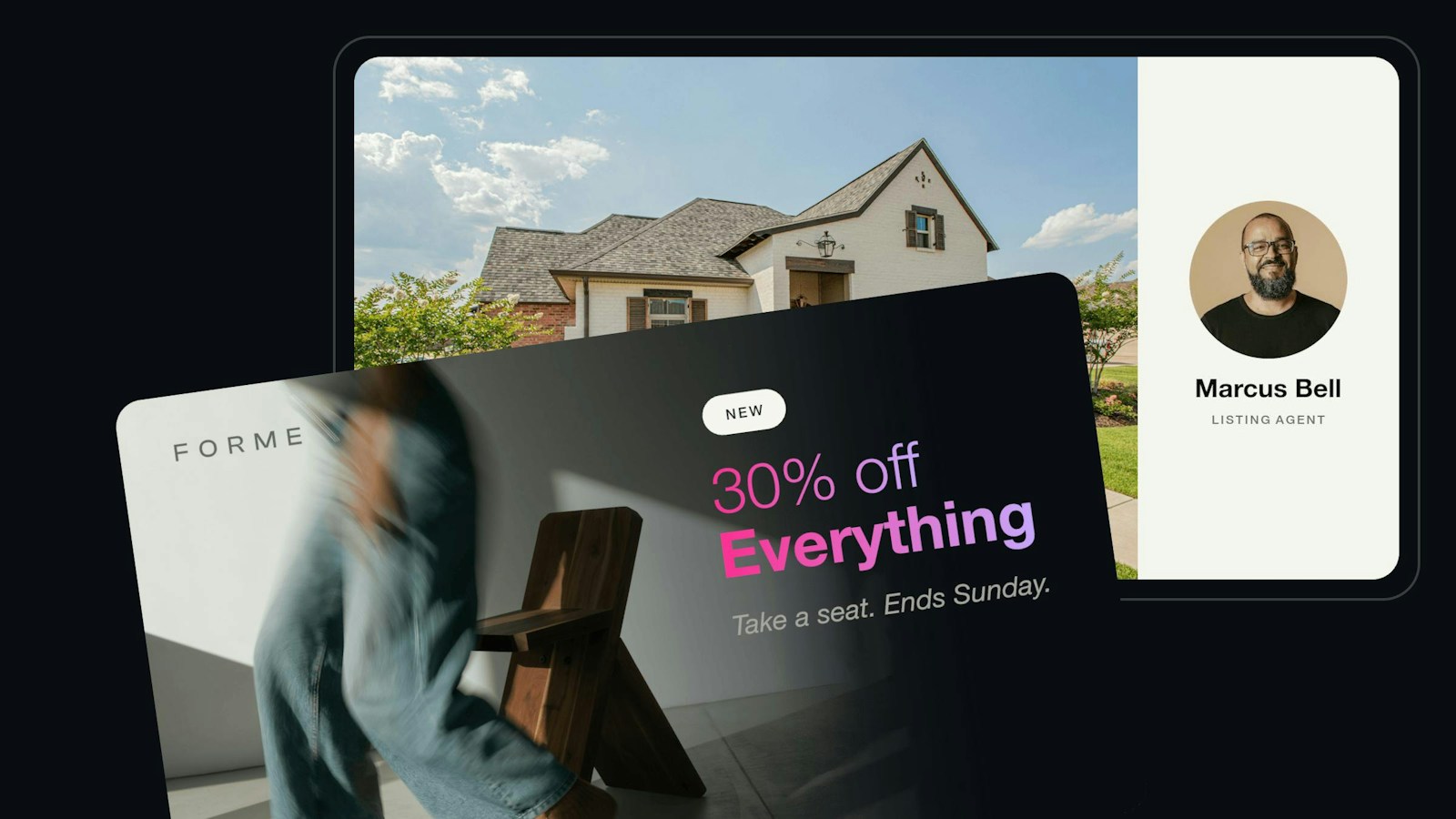
Studio-ready product photos, right from the URL

This release adds realistic shadows and glossy floor reflections, cut-outs from a plain backdrop, product mockups on demand, and a curb-appeal edit for listing photos.
Your catalog has thousands of products, and every one of them should look like it was shot in the same studio. New items arrive from different photographers and suppliers, seasonal campaigns call for fresh backgrounds, and custom products need a mockup before anyone will buy them. Each of those steps usually means another round of retouching or another export from a design tool.
We get it. Making a catalog look consistent is easy for ten images and slow for ten thousand. This release brings the finishing work of a product studio to the URL: shadows that ground a product, reflections on a glossy floor, cut-outs from a plain backdrop, mockups that wrap a design around a mug or a shirt, and a curb-appeal edit for property exteriors. Here’s a look at what’s new.
Shadows and reflections that put products on the floor
A cut-out product on a plain background looks like it’s floating. Adding a believable shadow or reflection usually happens in a design tool, one image at a time, and it has to be redone whenever the background changes.
Drop shadows and floor reflections
Imgix now draws shadows and reflections as part of the render. Choose a soft drop shadow, a cast shadow thrown across the floor by a light you position, a float shadow under a hovering product, or an inset shadow for a pressed-in look. Add a floor reflection that fades with distance, and tint it to read as glass or black acrylic.
For cast shadows and reflections, AI mode reads the product’s shape and the camera angle and places the shadow to match. When you want exact control, set the angle and light direction yourself. AI mode is priced like any other render.
Because shadows and reflections are URL parameters, one template stages every product the same way. Change the background color for a seasonal campaign and every image updates with its shadow intact. Shadows and reflections work on watermark layers too, so you can place a product into a lifestyle scene and ground it there.
Four shadow types
Left to right: flat, cast, float, and inset, each one parameter on the same cut-out.
A glossy black floor
A cast shadow and a floor reflection on a dark backdrop. Set reflection-blur to 0 for a glass or black acrylic finish.
Turn studio shots on white or green into cut-outs
Shadows and reflections need a product on a transparent background, and AI background removal is more than many catalogs need. If your products are shot on seamless white or a green screen, the backdrop is already doing most of the work.
Color key
Add colorkey to the URL and Imgix makes the backdrop transparent, picking up its color from the corner of the photo, so you don’t need to know the exact shade. Add bg to place the cut-out on a brand color. For more control, set the color yourself, adjust tolerance and edge softness until the edge is clean, or use chroma mode for green screens with uneven lighting. It runs as a standard render, so you can process a whole catalog without an AI call per image.
For hair, fur, and soft edges, AI background removal is still the better choice. For hard-edged products on a clean backdrop, color key plus a cast shadow turns a plain catalog photo into a staged product shot from one URL.
On a brand color, with a cast shadow
The same cut-out placed on a brand color with a cast shadow, staged from the original green-screen photo in one URL.
Product mockups, generated when someone looks
Print-on-demand and personalized products need a mockup for every design: a customer’s artwork on a mug, a shirt, or a phone case. Rendering those ahead of time means thousands of files for designs that may never sell.
Image warp
Image warp places a design onto a product photo from the URL. Map the corners of a design onto a surface in perspective, bend it around a curved surface like a mug, skew it, or use a displacement map so the artwork follows the folds of fabric. Positions are fractions of the image, so the same URL holds its geometry at every size and screen density.
Mockups now render at request time, only for the designs people view, using the same templates across your whole product line.
Arced around a mug
arc bends the same graphic around the side of a mug. Small values keep it believable.
In perspective on a box
distort maps the graphic’s four corners onto the face of the box, so the print sits in perspective.
Listing photos with curb appeal
Buyers decide whether to click on a listing from its first photo, and a home shot on an overcast day looks less inviting than the same home on a sunny afternoon. Reshooting or hand-editing exteriors doesn’t scale across thousands of listings.
AI Image Edit: curb-appeal
The new curb-appeal mode in AI Image Edit enhances property exteriors in a single request, with a bluer sky, a greener lawn, and a cleaner facade. Analysis checks each photo first and tells you when the edit isn’t a good fit, so you apply it only where it helps.
Listings with enhanced exteriors should see lower bounce, more clicks, and longer virtual tours. As with any listing enhancement, check your local MLS rules on disclosing edited photos.
Also new
Origin cache age
A new per-source setting, Preserve origin cache age, passes your origin’s cache age through Imgix, so copies across the CDN expire when your origin’s copy does instead of a full cache period later.
A note if you’ve used drop-shadow before: the parameter was previously undocumented and only added padding. Existing URLs now draw a visible shadow and a larger canvas. The changelog has the details. Changelog →
More ways to shape product photos from the URL
Background removal cuts any product or subject out of its background with one parameter. Docs →
Object-aware cropping keeps the product in frame at any aspect ratio. Docs →
Layered text and badges add sale tags, logos, and headlines to any image from a template. Docs →
AI Image Edit cleans up, restages, and relights photos with a single parameter. Docs →
All of these work alongside the features in this release. One platform, same URLs, same API.
Get started
Already an Imgix customer? Check the docs, or reach out to your customer success manager if you want help getting started.